Warranty and Coverage Tracker · Household warranty log for Google Sheets™
Find out it is still covered before you pay to fix it.
What you own, how long the warranty runs, where the receipt is, and who to call. The file works out what is still covered.
$19one time
Tax added at checkout.
The problem
The dishwasher stops, and nobody can remember when you bought it.
The receipt is in a drawer, or an email, or the photo album on somebody’s phone. The warranty was three years, or five. The number to call is on a card that came in the box.
So you pay the repair, and eleven months of coverage goes unused. It is not the money that stings. It is that you had it.
What's inside
Everything you own that came with a promise.
List each thing once: when you bought it, how many months the warranty runs, where the receipt lives and who handles a claim. The file works out the date coverage ends and counts down to it.
It holds no receipts. It tells you which drawer, which email, which folder, so the piece of paper is findable in a minute.
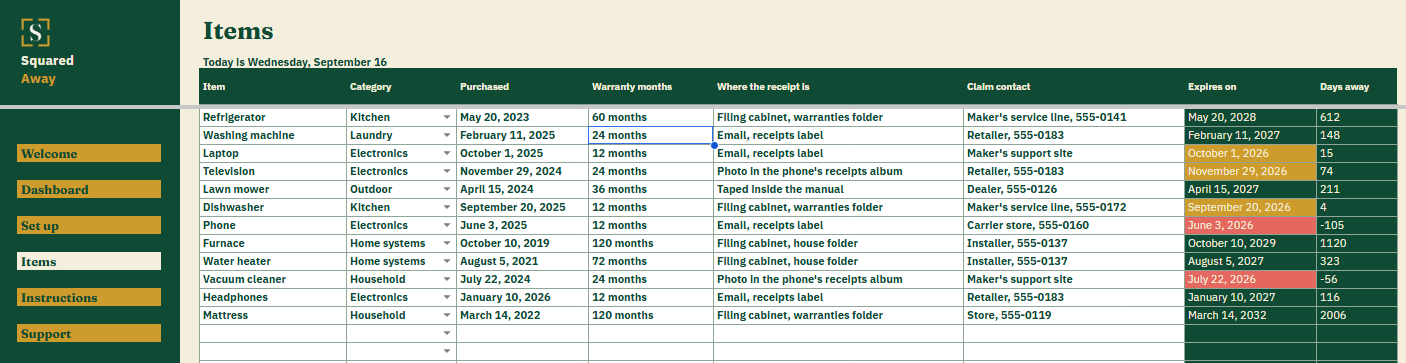
Items. One row for each appliance, device or piece of furniture, with what you paid it for, the warranty in months, where the receipt is and the claim contact.
Expiry, worked out. You type the purchase date and the length. The file gives you the date it ends and the days left.
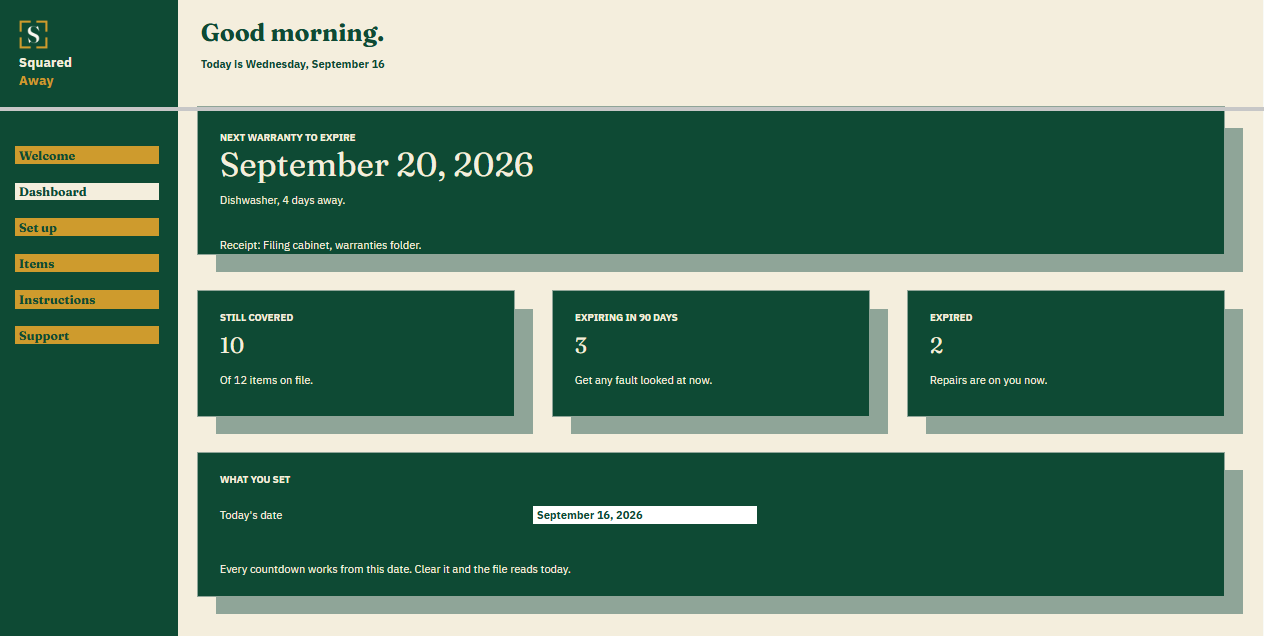
The Dashboard. The next warranty to run out, how many things are still covered, how many end inside ninety days, and how many have already gone.
Red and gold. Coverage that has ended turns red. Coverage ending inside ninety days turns gold.
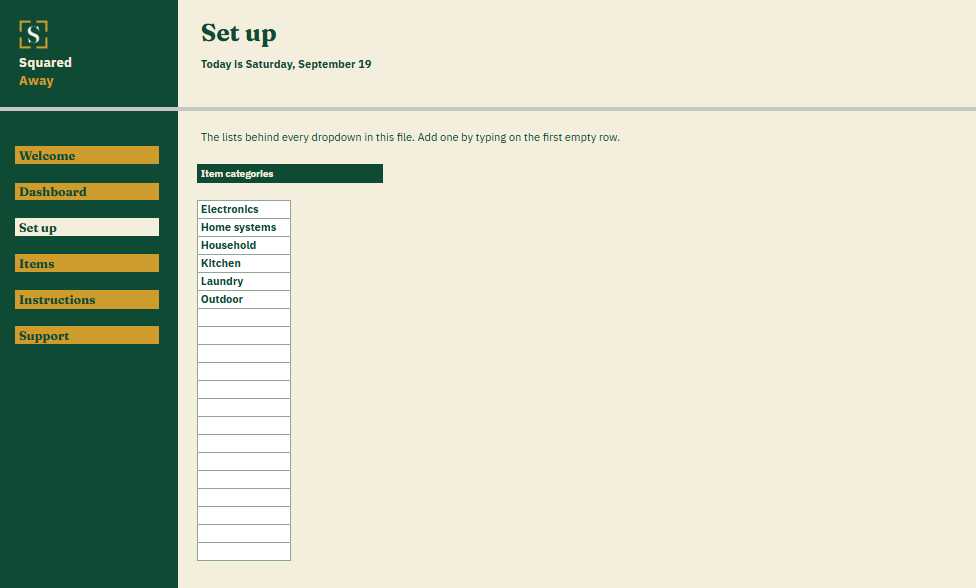
Set up. Your own item categories, behind the dropdown on Items.
Sample items. Twelve made-up ones already in place, so the dates make sense before you type your own.
What it looks like
Three tabs you'll actually use.
After you buy
What happens after you buy.
1
We email you a link.
It goes to the address you paid with.
2
You make a copy.
It saves to your own Google Drive™ and stays private unless you share it.
3
You start using it.
It comes with sample entries already in it, so you can see how it works before you type in your own.
No surprises
The fine print, all of it.
You pay once, and the copy stays yours for good.
It opens in Google Sheets™ on a computer, or in the Sheets app on your phone.
You need a Google account. A free one works.
Changed your mind? Email us within 14 days for a refund. You don’t need a reason. The refund policy
Questions
Before you buy.
Do I have to scan my receipts?
No. You write down where each one is. A drawer, a label in your email, a photo. The file points you at it.
What about extended warranties I paid extra for?
Put the length you actually bought in the warranty months column. The file works from that.
Does it file the claim?
No. It gives you the date, the proof and the number, which is what the call needs.
S
Check the file before you call the repair shop.
No app to learn. No new account. No monthly anything.
$19one time
Tax added at checkout.
If it isn’t right, email us within 14 days for a refund. The refund policy
You just get squared away.
Cookie Consent
Some cookies keep the site working. The rest just count visits, and only if you say yes. If you say no, the site works exactly the same.
Cookies
Essential cookies stay on, because the site can't work without them. Everything else is your call.
Essential cookies enable basic functions and are necessary for the proper function of the website.
Name
Description
Duration
Cookie Preferences
This cookie is used to store the user's cookie consent preferences.